| .github/workflows | ||
| declaude | ||
| docs | ||
| tests | ||
| .gitignore | ||
| LICENSE | ||
| pyproject.toml | ||
| README.en.md | ||
| README.md | ||
| requirements-dev.txt | ||

declaude
Русский · English


Turns a Claude.ai data export into a static HTML archive: browse, search and read all your chats and projects in a browser, offline, with no servers or databases.
Status: personal project, maintained · online version at fe0.ru/declaude
Stack: Python 3.9+ (standard library only) · HTML · CSS · vanilla JS
Features
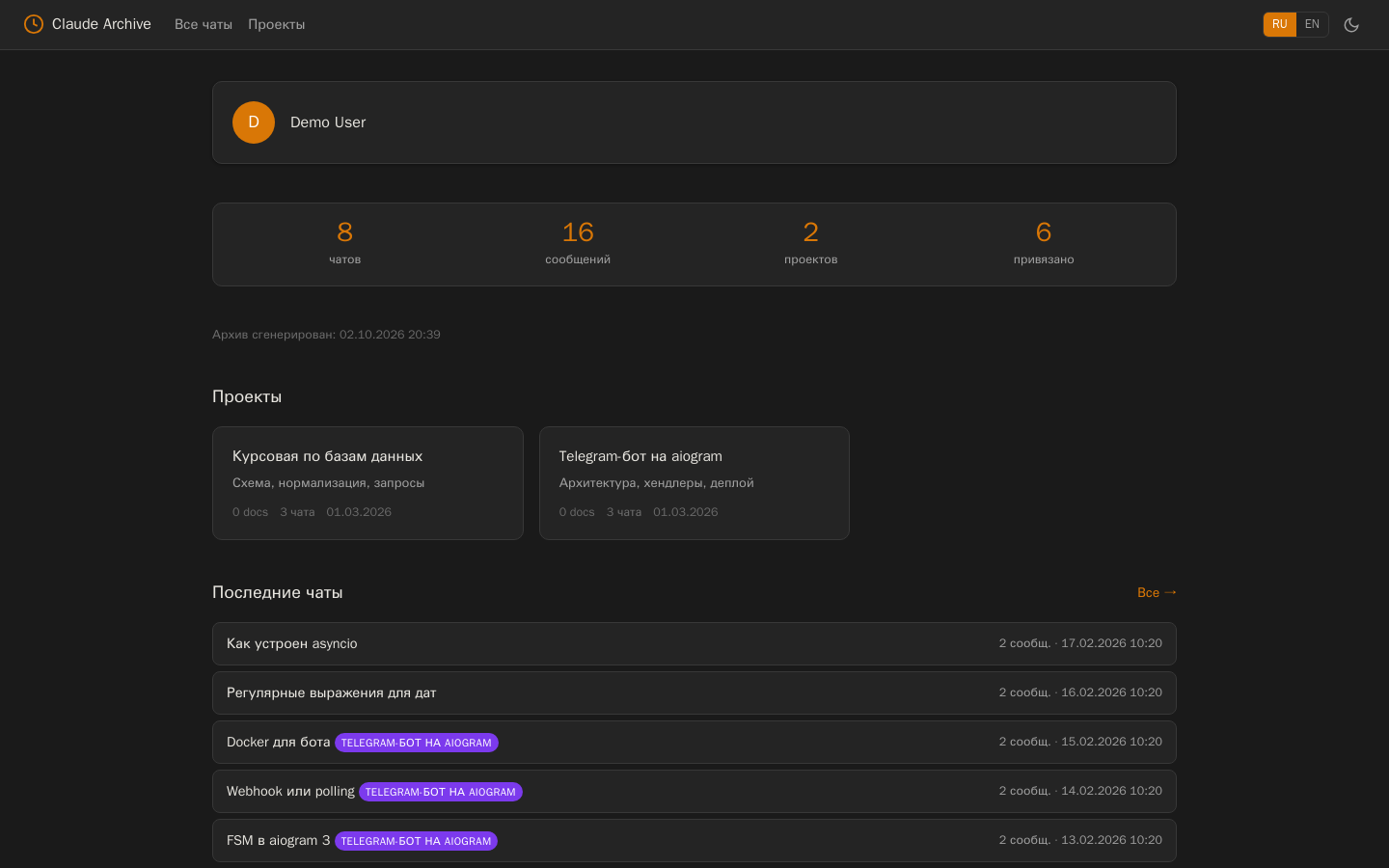
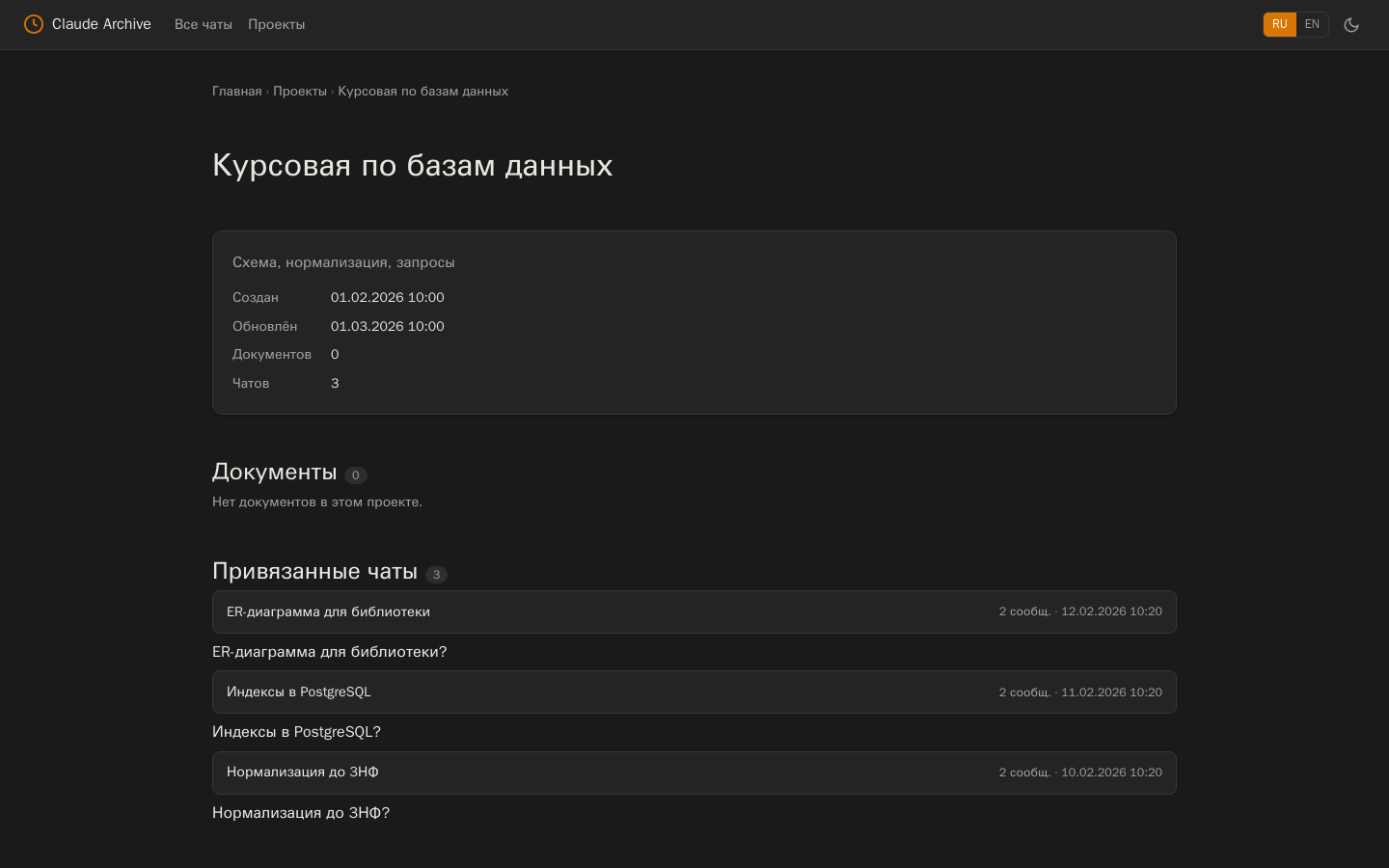
- A page per chat and project, a home page with stats and recent chats
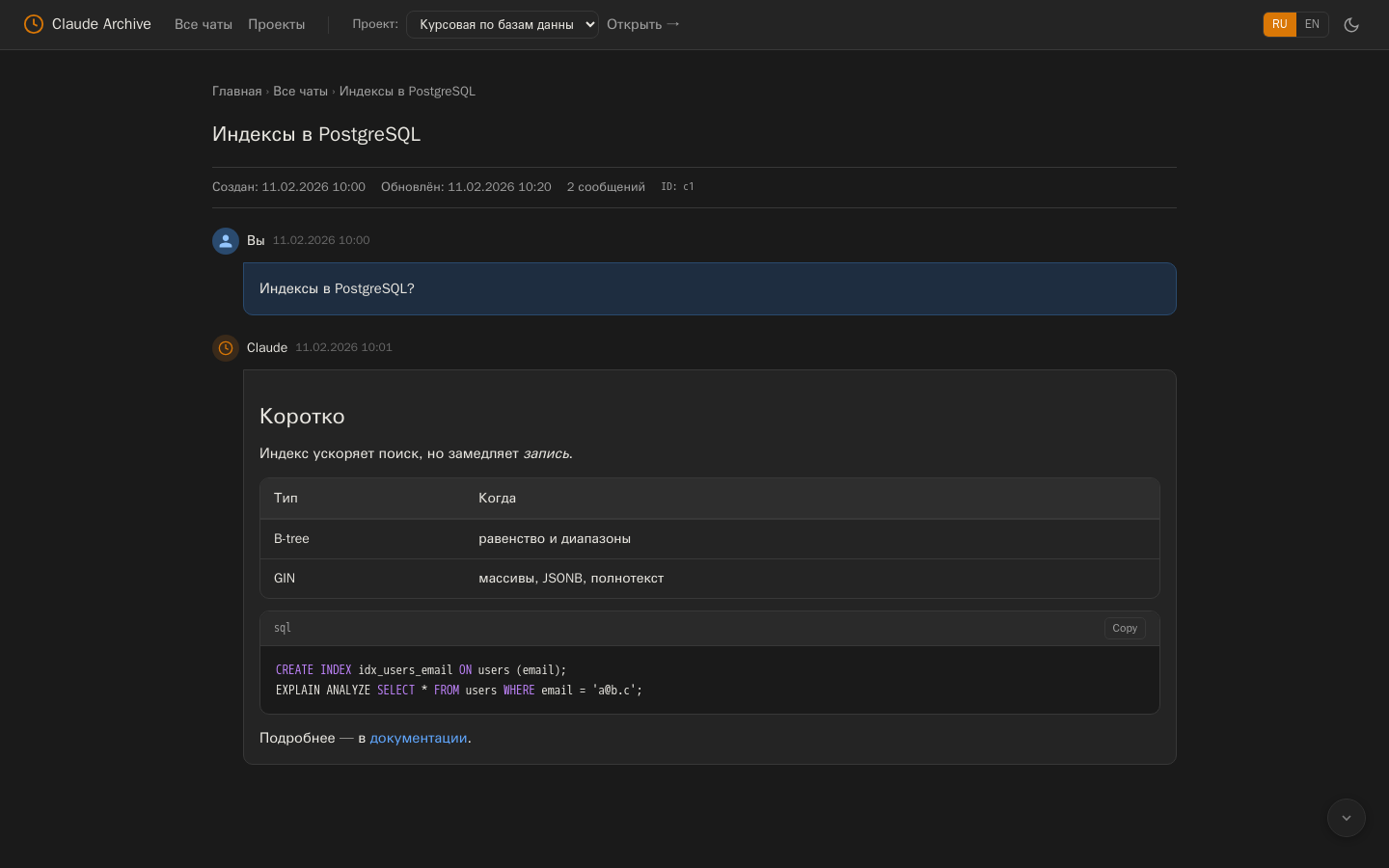
- Markdown: headings, lists, tables, quotes, code with highlighting (Python, JS/TS, SQL, Bash, Go, Rust)
- Search and filter across all chats, light and dark themes, Russian and English UI
- Assign chats to projects right in the browser and export
mapping.json - Incremental update from a new export: only changed chats are rebuilt
- Links from chats are safe:
javascript:and similar schemes never reach the archive
Installation
pipx install claude-export-html # or: pip install claude-export-html
Don't want to install anything? Upload the zip at fe0.ru/declaude. If privacy matters, run it locally.
Usage
- Claude.ai → Settings → Privacy → Export data, download the zip from the email and unpack it.
- Build the archive and open
claude_archive/index.html:
declaude --build --source ./claude-export
declaude --build --source ./claude-export --output ./my-archive   # custom folder
declaude --update new_export.zip                                  # add a newer export
declaude --map <conversation_uuid> <project_uuid> && declaude --remap
| Option | Purpose |
|---|---|
--build |
full build from an unpacked export |
--source PATH |
export folder (default claude-backup-v1) |
--output PATH |
archive folder (default claude_archive) |
--update ZIP |
add data from a new zip, project assignments are kept |
--map CHAT PROJECT, --remap |
assign a chat to a project and rebuild the home and project pages |
--mapping PATH |
assignments file (default ./mapping.json) |
python -m declaude works as well as the declaude command.
Note
The archive is plain HTML files; no data is sent anywhere. Theme and language choices are stored in the browser's localStorage.
Screenshots
| Chat | Project |
|---|---|
 |
 |
Using from Python
from pathlib import Path
from declaude import DataLoader, MappingManager, SiteBuilder

loader = DataLoader(Path("claude-export")); loader.load()
mapping = MappingManager(Path("mapping.json")); mapping.load()
SiteBuilder(Path("archive"), loader, mapping).build_all()
This is how the web version on fe0.ru uses it; FastAPI integration notes (in Russian): docs/fastapi-integration.md.
Development
pip install -e . -r requirements-dev.txt
ruff check . && pytest
The tests build an archive from a fictional export in tests/fixtures and check pages, Markdown,
escaping and link safety. CI runs them on Python 3.9–3.13; every v* tag publishes the package to PyPI.
License
MIT — see LICENSE.
Author
Egor Deev — GitHub · Telegram · egor@deev.space
Made with ❤️ — deev.space