mirror of
https://github.com/EDeev/school_table.git
synced 2026-10-07 20:49:37 +03:00
Учебный проект Яндекс Лицея (2021): дневник школьника на PyQt5 — расписание на неделю и заметки с датами, SQLite
| .github/workflows | ||
| docs/screenshots | ||
| image.ico | ||
| main.py | ||
| rasp.ui | ||
| README.en.md | ||
| README.md | ||
| requirements.txt | ||
| table.db | ||

School Table
Русский · English


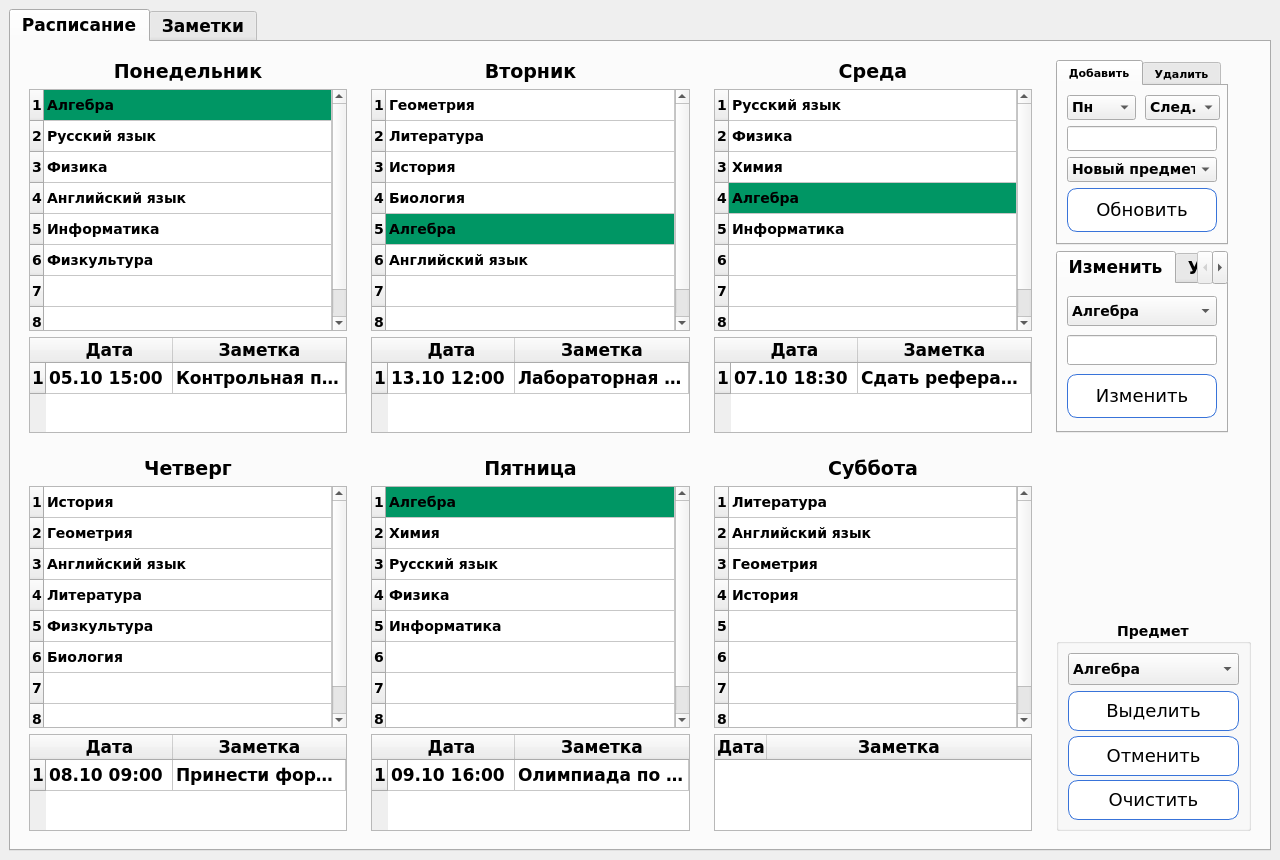
A desktop student planner on PyQt5: a weekly timetable and dated notes that show up under the right day on their own. The interface is in Russian.
Status: coursework (Yandex Lyceum, 2021), completed
Stack: Python 3 · PyQt5 · SQLite
Features
- A grid of six school days, up to eight lessons a day
- Subject list: add, rename, delete (the subject also disappears from the timetable), clear a lesson
- Highlighting a chosen subject across the whole week
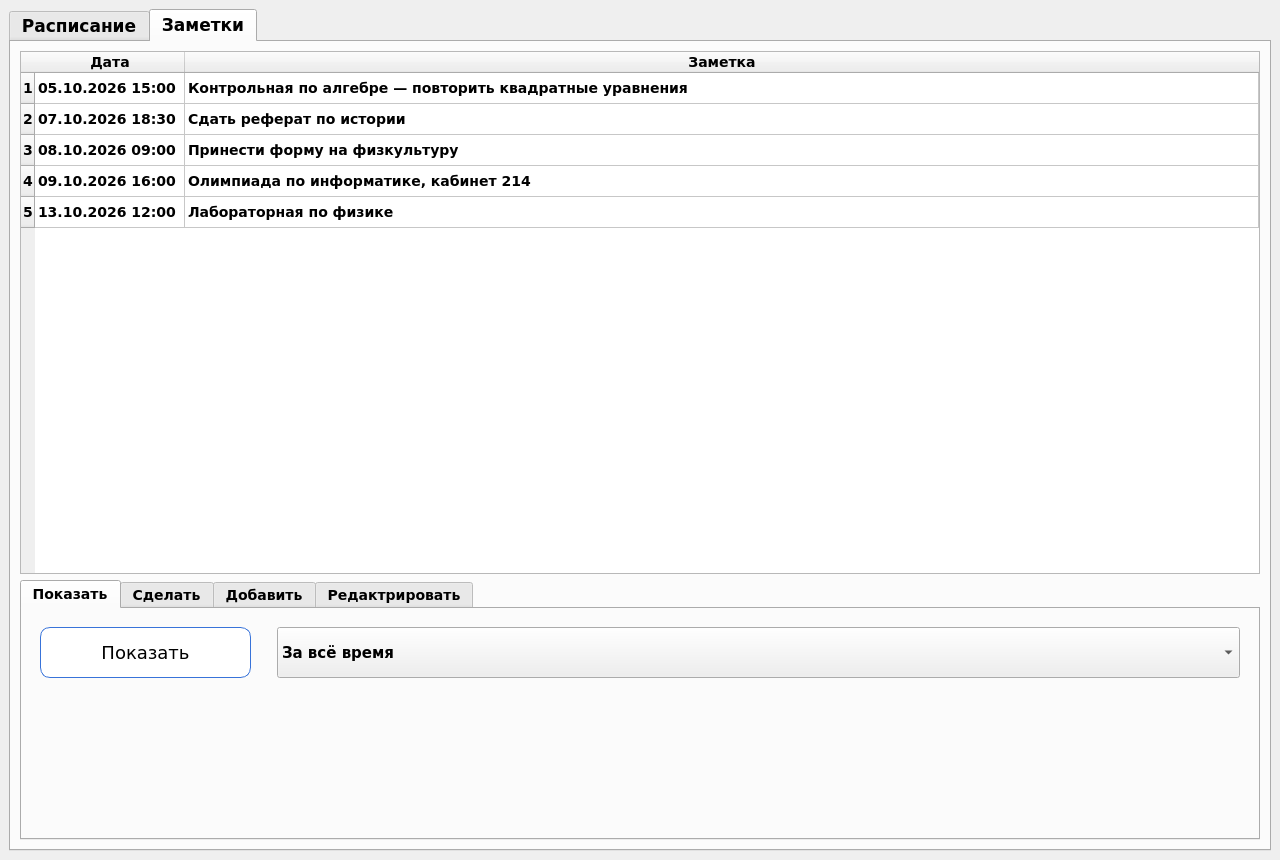
- Notes with date and time: shown under the timetable by weekday, and on the Notes tab as one list for all time, the coming month or the coming week
- Editing a note and marking it done (a done note is deleted)
- Everything is stored locally in
table.db
Running
A ready-made Windows build is in the releases:
SchoolTable.exe — just run it (an empty table.db and the icon appear next to it on first start), or
SchoolTable-windows.zip — the same with the database and icon in an archive.
From source:
git clone https://github.com/EDeev/school_table.git && cd school_table
pip install -r requirements.txt
python main.py
Screenshots
License
Coursework (Yandex Lyceum, 2021). The code is open for study; there is no separate license.
Author
Egor Deev — GitHub · Telegram · egor@deev.space
⭐ If you find this project useful, give it a star on GitHub!
Made with ❤️ — deev.space