
4.3 KiB
Quiz API: Django → Docker → Qt
Русский · English


Three software architecture labs built around one application: a quiz REST API on Django REST Framework, the same API in Docker with four deployment options, and a C++/Qt desktop client using the Singleton and Adapter patterns.
Status: coursework ("Software Systems Architecture", Moscow Polytechnic University, group 241-327, spring 2026), completed
Stack: Python · Django · Django REST Framework · PostgreSQL · Docker Compose · nginx · Caddy · C++17 · Qt 6 (Widgets, Network) · CMake
Labs
| What was built | Folder | |
|---|---|---|
| 1 | REST API: Quiz model, serializer, ModelViewSet, Faker test data generator, PostgreSQL |
lab-1/ |
| 2 | The API in containers: gunicorn behind nginx, static files from a shared volume, own images in the git.deev.su registry |
lab-2/ |
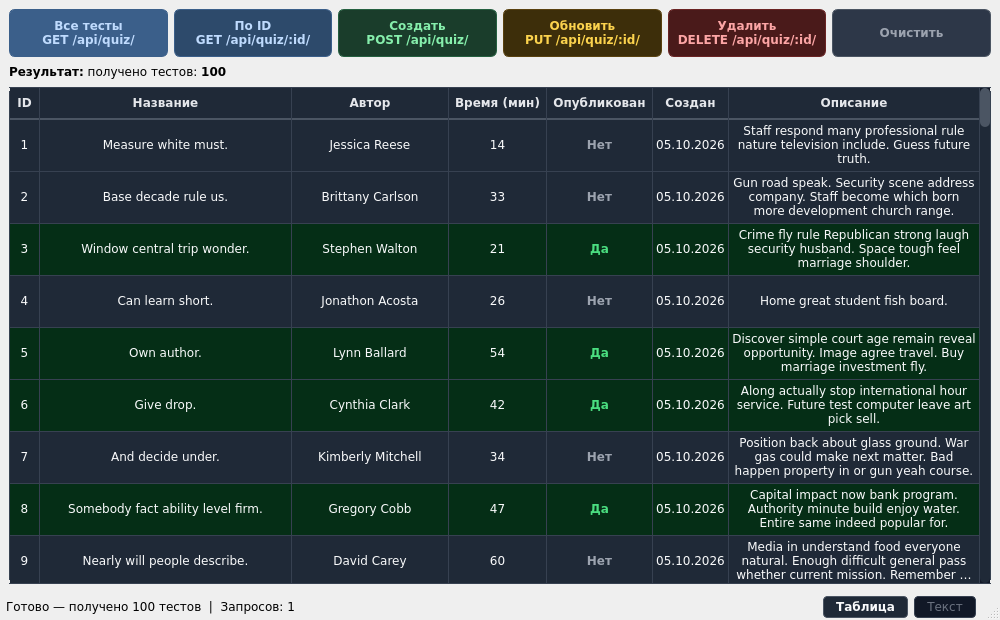
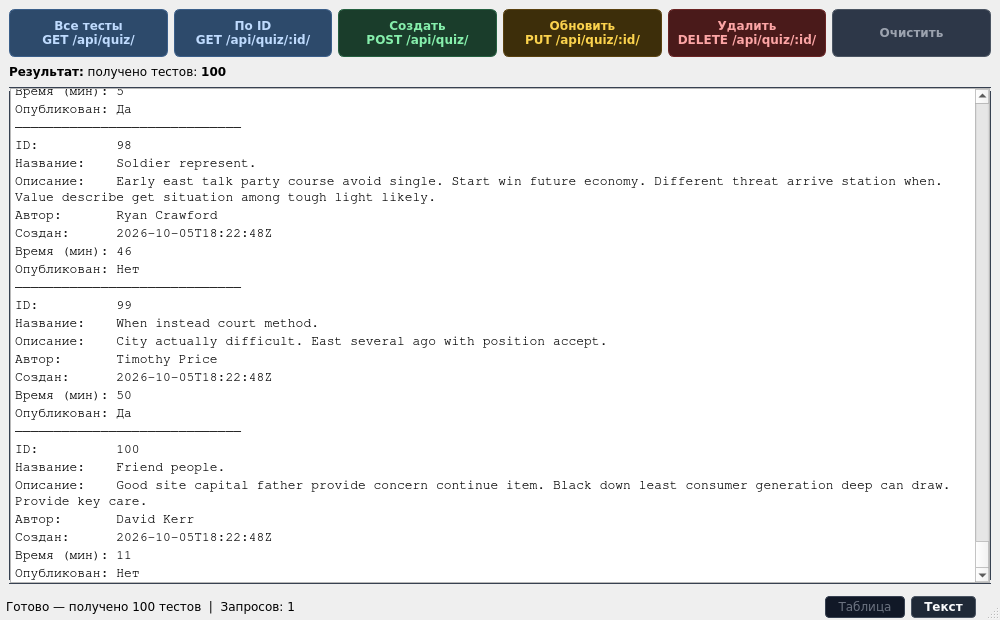
| 3 | Desktop client for the API: five HTTP methods, table and text views, Singleton and Adapter | lab-3/ |
Deployment options in the second lab:
| Folder | Images | PostgreSQL |
|---|---|---|
local/ |
built from source | in a container |
web_pg/ |
prebuilt git.deev.su/deevev/quizlab |
in a container |
web_lite/ |
prebuilt git.deev.su/deevev/quizlab |
external |
caddy/ |
built from source, Caddy instead of nginx, HTTPS with a self-signed certificate | in a container |
How it works
flowchart LR
    Q[Qt client<br/>ApiClient + QuizJsonAdapter] -->|HTTP JSON| N[nginx or Caddy]
    N -->|/api/, /admin/| G[gunicorn + Django REST Framework]
    N -->|/static/| S[(static volume)]
    G --> P[(PostgreSQL)]
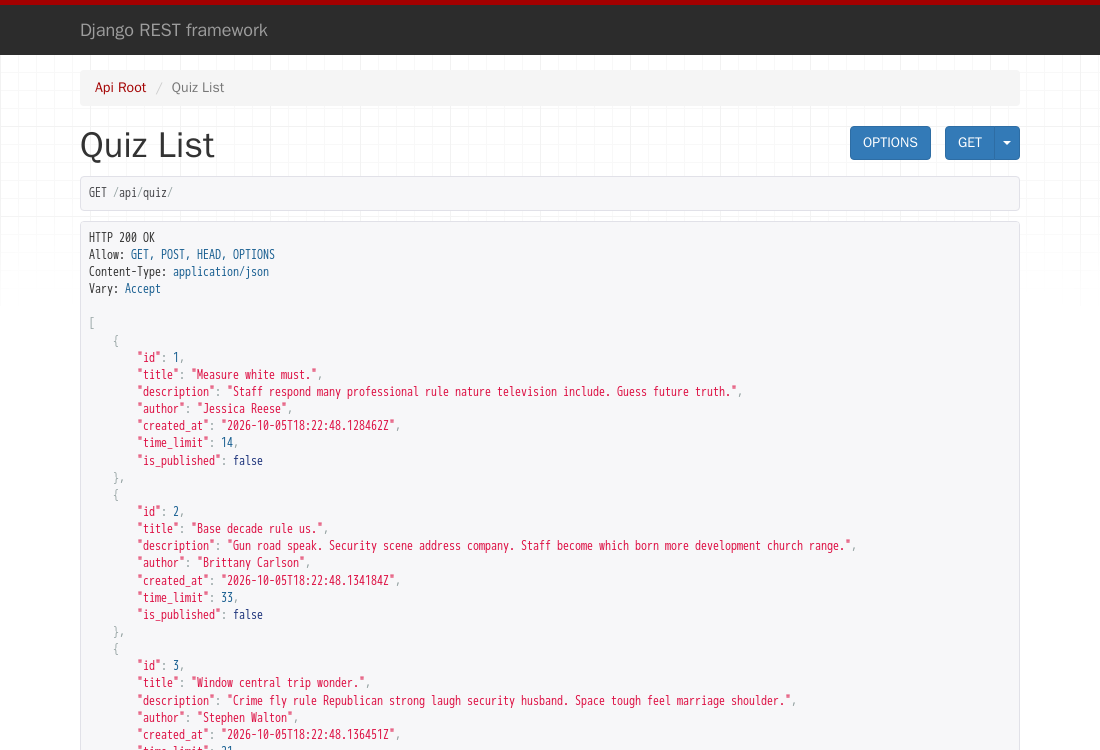
API: GET /api/quiz/, GET /api/quiz/<id>/, POST /api/quiz/, PUT /api/quiz/<id>/,
DELETE /api/quiz/<id>/. Quiz fields: title, description, author, time limit in minutes, published flag,
creation date.
In the client, ApiClient is a Meyers singleton: one QNetworkAccessManager for the whole app.
QuizJsonAdapter implements IQuizAdapter and turns a QJsonObject into a Quiz, so the window works
with a domain class rather than JSON.
Running
The API in Docker (built from source, PostgreSQL in a container, 100 quizzes generated on start):
cd lab-2/local
cp .env.example .env      # set the DB password and DJANGO_SECRET_KEY
docker compose up -d      # API at http://localhost/api/quiz/
The other options run the same way from their folders. For caddy/, run sh gen-cert.sh first; the site
opens at https://localhost.
A prebuilt client is in the releases: quizlab-client-windows-x64.zip
(unpack and run quizlab-client.exe) and quizlab-client-linux-x86_64.AppImage (chmod +x and run).
Building the client from source (needs Qt 6 and CMake):
cd lab-3
cmake -B build && cmake --build build
./build/lab-3             # API defaults to http://localhost:80; another address: QUIZ_API_URL=http://host:port
The first lab without Docker: PostgreSQL, then pip install -r lab-1/requirements.txt,
python manage.py migrate, python manage.py runserver. The connection is set with POSTGRES_*
variables; Django settings with DJANGO_SECRET_KEY, DJANGO_DEBUG, DJANGO_ALLOWED_HOSTS.
Screenshots
| DRF browsable API | Client text view |
|---|---|
 |
 |
Development
Each lab is a self-contained folder, so the Django project is repeated in lab-1/, lab-2/local/backend/
and lab-2/caddy/backend/. The http.restbook files are API requests for the REST Book extension in
VS Code.
License
Coursework ("Software Systems Architecture", Moscow Polytechnic University, 2026). The code is open for study; there is no separate license.
Author
Egor Deev — GitHub · Telegram · egor@deev.space
Made with ❤️ — deev.space