
4.5 KiB
Tablo
Русский · English


A web app for students: upload a photo of your timetable, and AI turns it into an editable schedule with per-subject progress trackers you can share by link.
Status: personal project that started as coursework (2026) · live at tablo.deev.su
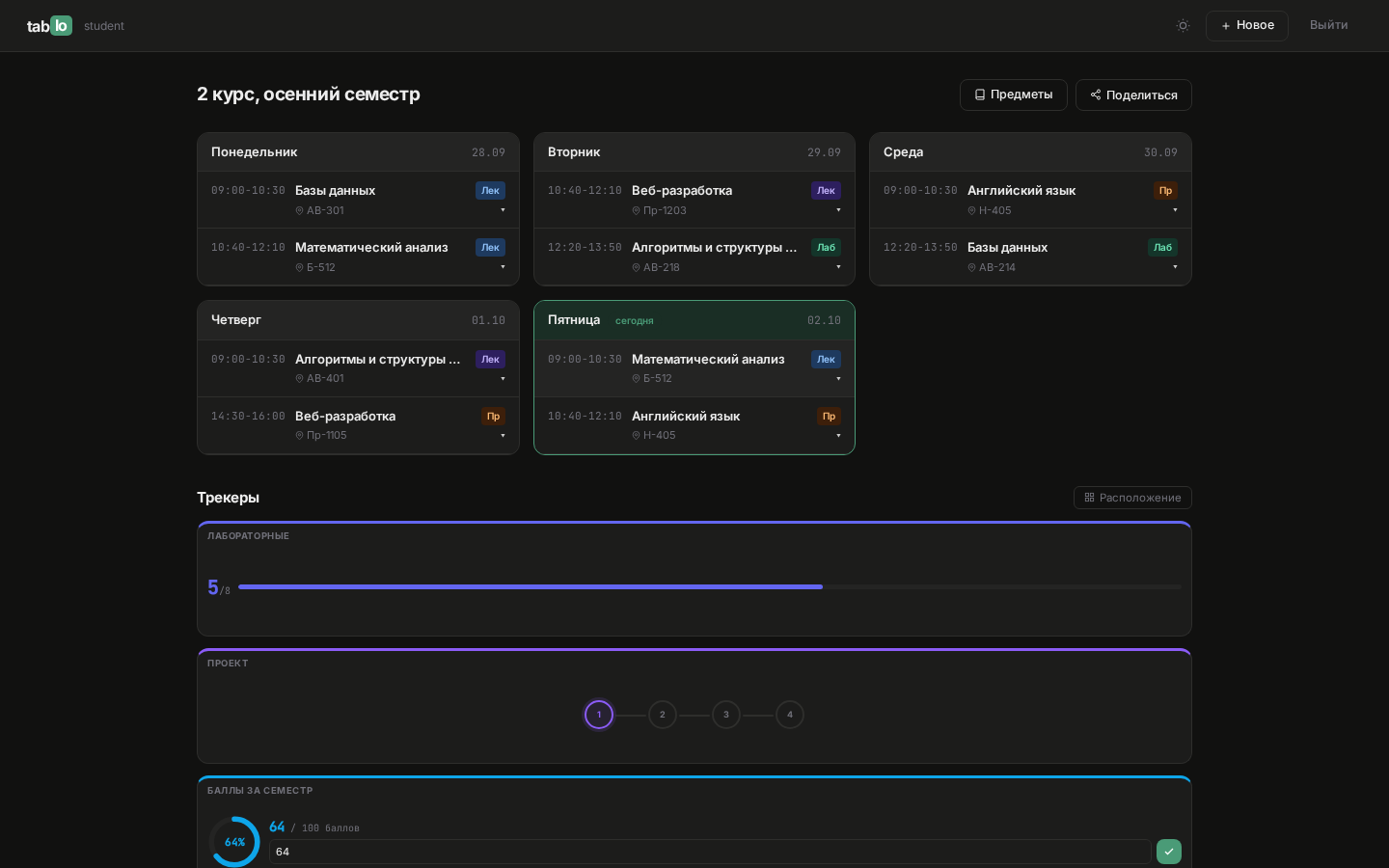
Stack: Python 3.12 · Flask · SQLAlchemy + Alembic · PostgreSQL · OpenAI-compatible Vision API · Playwright · Jinja2 + vanilla JS
Features
- Timetable recognition from a photo or scan
- Editing of schedules, subjects and classes; periods may span New Year
- 11 tracker types (attendance, grades, deadlines, day streaks, etc.) on a drag-and-drop grid
- Tracker generation from a description such as "8 labs and an exam"
- Link sharing: view, edit, or copy as a template
- Merging several schedules into one, with classes of the same subject combined
- Export to JSON, CSV, PNG and a print-ready version
Quick start
git clone https://github.com/EDeev/tablo.git && cd tablo
cp .env.example .env      # set SECRET_KEY and your AI provider key
docker compose up -d
Open http://localhost:8000. Compose starts the app and PostgreSQL; migrations run on startup.
Prebuilt image: docker pull ghcr.io/edeev/tablo or docker pull git.deev.su/edeev/tablo.
Installing without Docker
Requires Python 3.11+ and PostgreSQL.
python -m venv .venv && source .venv/bin/activate
pip install -r requirements.txt
playwright install --with-deps chromium   # for PNG export
cp .env.example .env
flask --app run db upgrade
python run.py
Configuration
| Variable | Purpose |
|---|---|
SECRET_KEY |
Flask session signing; the app will not start without it |
DATABASE_URL or DB_HOST, DB_PORT, DB_NAME, DB_USER, DB_PASSWORD |
PostgreSQL connection |
OPENAI_API_KEY |
AI provider key |
OPENAI_BASE_URL |
OpenAI-compatible API URL, if not OpenAI |
OPENAI_MODEL |
model for recognition and trackers, gpt-4o by default |
Important
Without
OPENAI_API_KEY, timetable recognition and tracker generation are disabled. Everything else works: you can create and edit a schedule manually.
Screenshots
| My schedules | Subject and trackers | Phone |
|---|---|---|
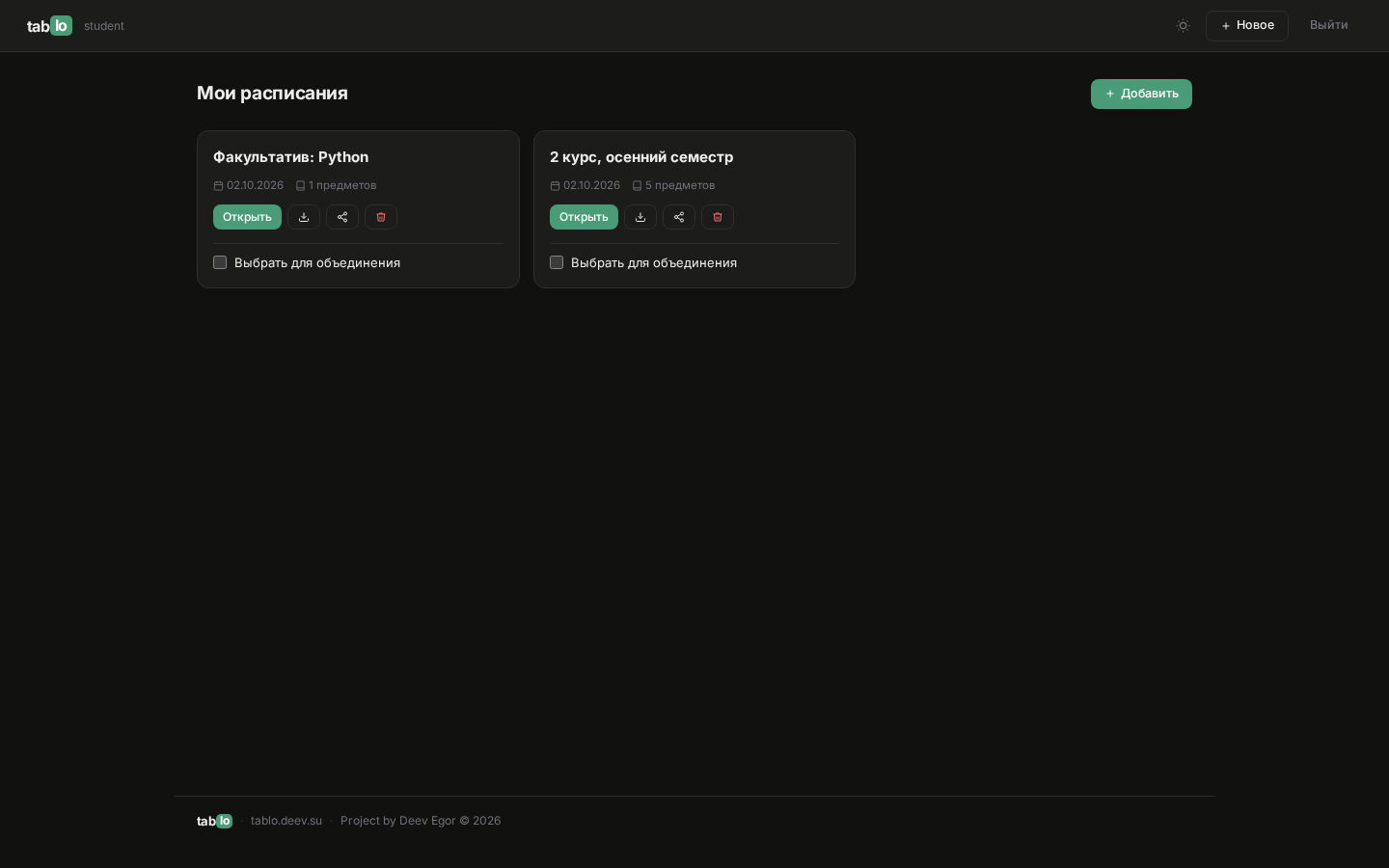 |
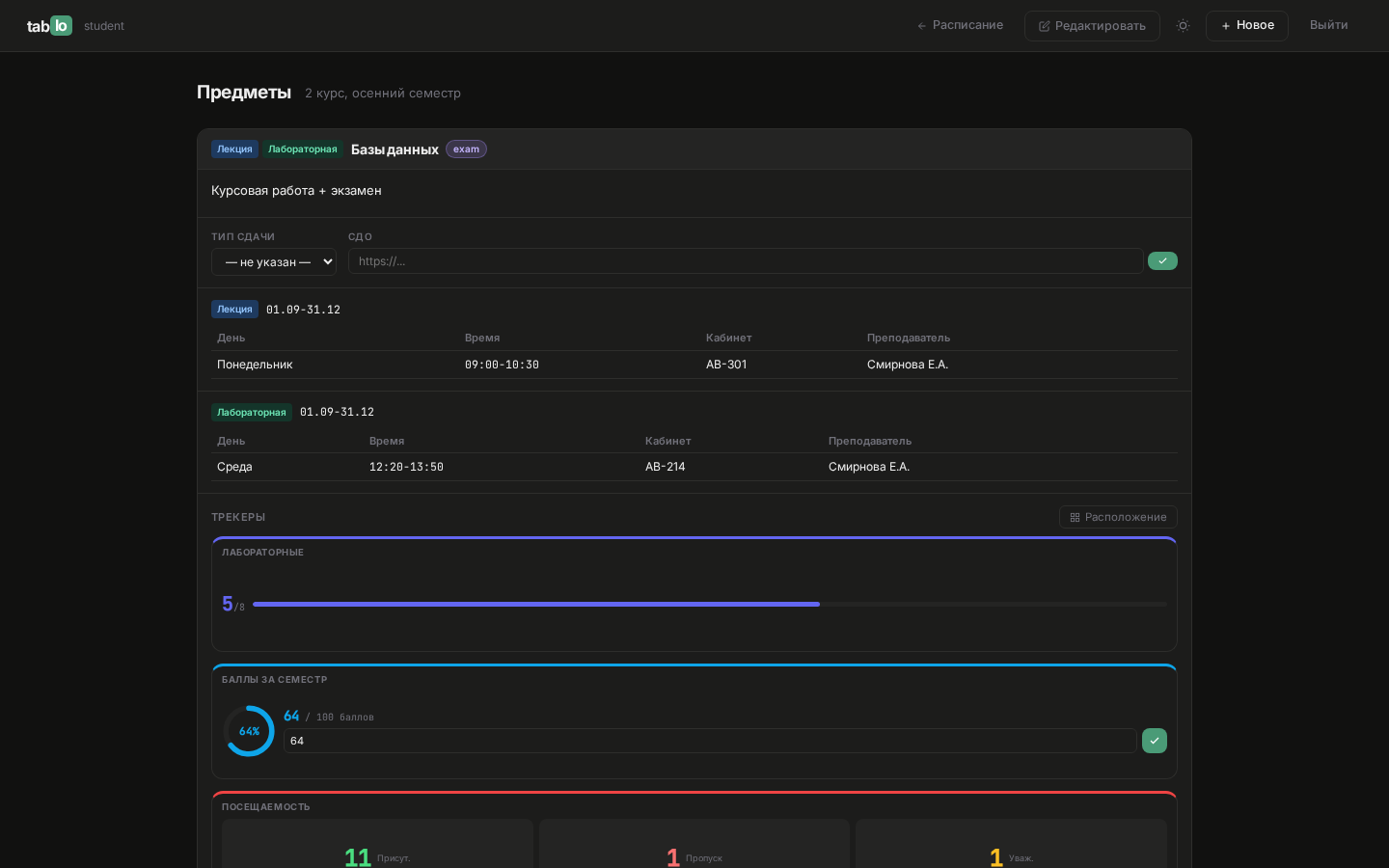 |
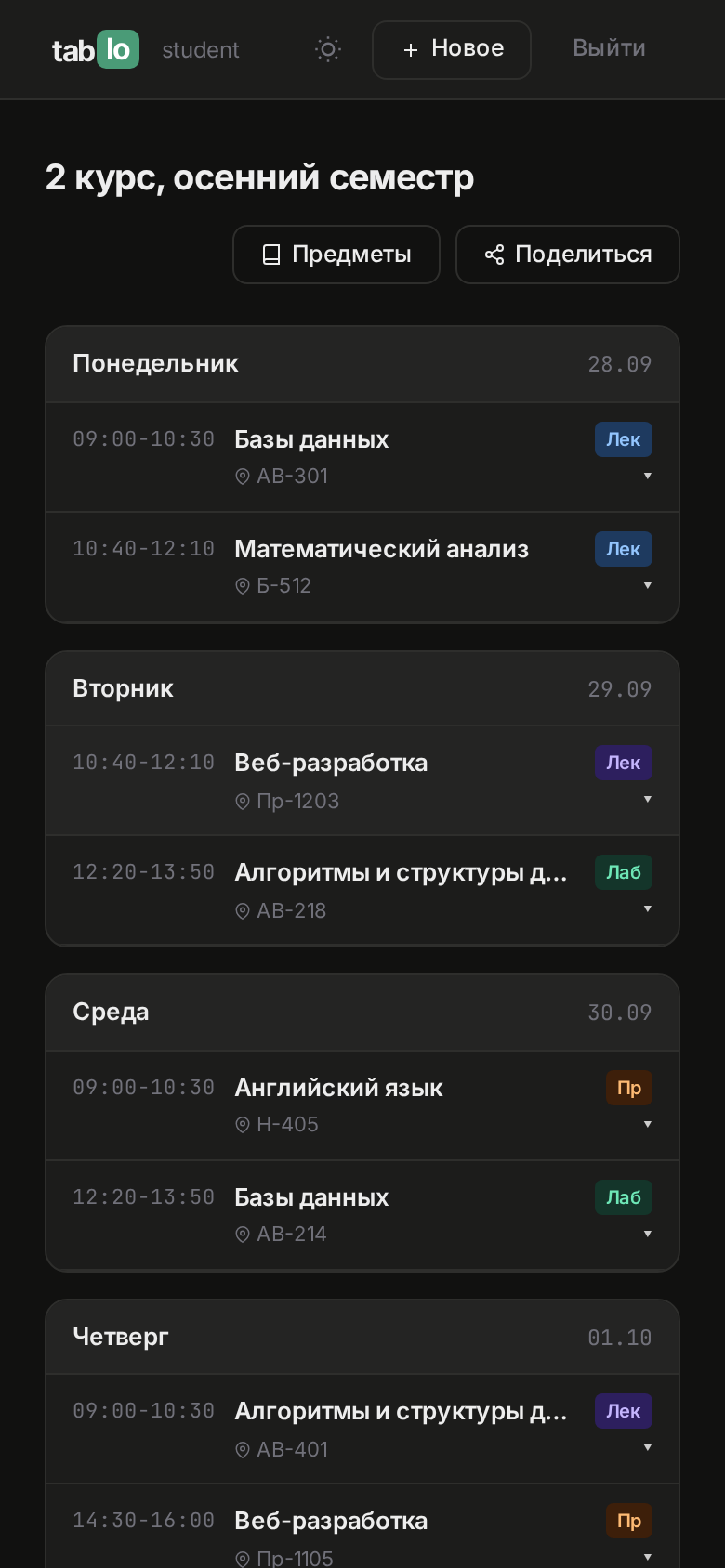 |
How it works
flowchart LR
    B[Browser] --> F[Flask: auth · schedules · subjects · shares · export]
    F --> S[Services: ai_scan · ai_metrics · merge · export]
    F --> P[(PostgreSQL)]
    S --> A[OpenAI-compatible API]
    S --> C[Chromium via Playwright]
Details (in Russian):
- docs/architecture.md — structure, schedule format, trackers, access rules
- docs/deploy.md — Docker and the production setup
- docs/explanatory_note.pdf — coursework explanatory note
Deployment
tablo.deev.su runs on a VPS: gunicorn under systemd behind nginx with a
Let's Encrypt certificate; PostgreSQL runs on a separate server; AI is Timeweb Cloud AI. GitHub Actions
builds the Docker image on every v* tag and publishes it to GitHub Packages and to git.deev.su.
Development
pip install -r requirements-dev.txt
export TEST_DATABASE_URL=postgresql://tablo:tablo@localhost:5432/tablo_test
ruff check . && pytest
Tests run against a real PostgreSQL: access rules and export, share links, sign-in and open-redirect protection, period and time parsing, schedule merging. CI starts the database as a service container and runs the same checks on every push.
License
MIT — see LICENSE.
Author
Egor Deev — GitHub · Telegram · egor@deev.space
Made with ❤️ — deev.space